Prepare the catalog
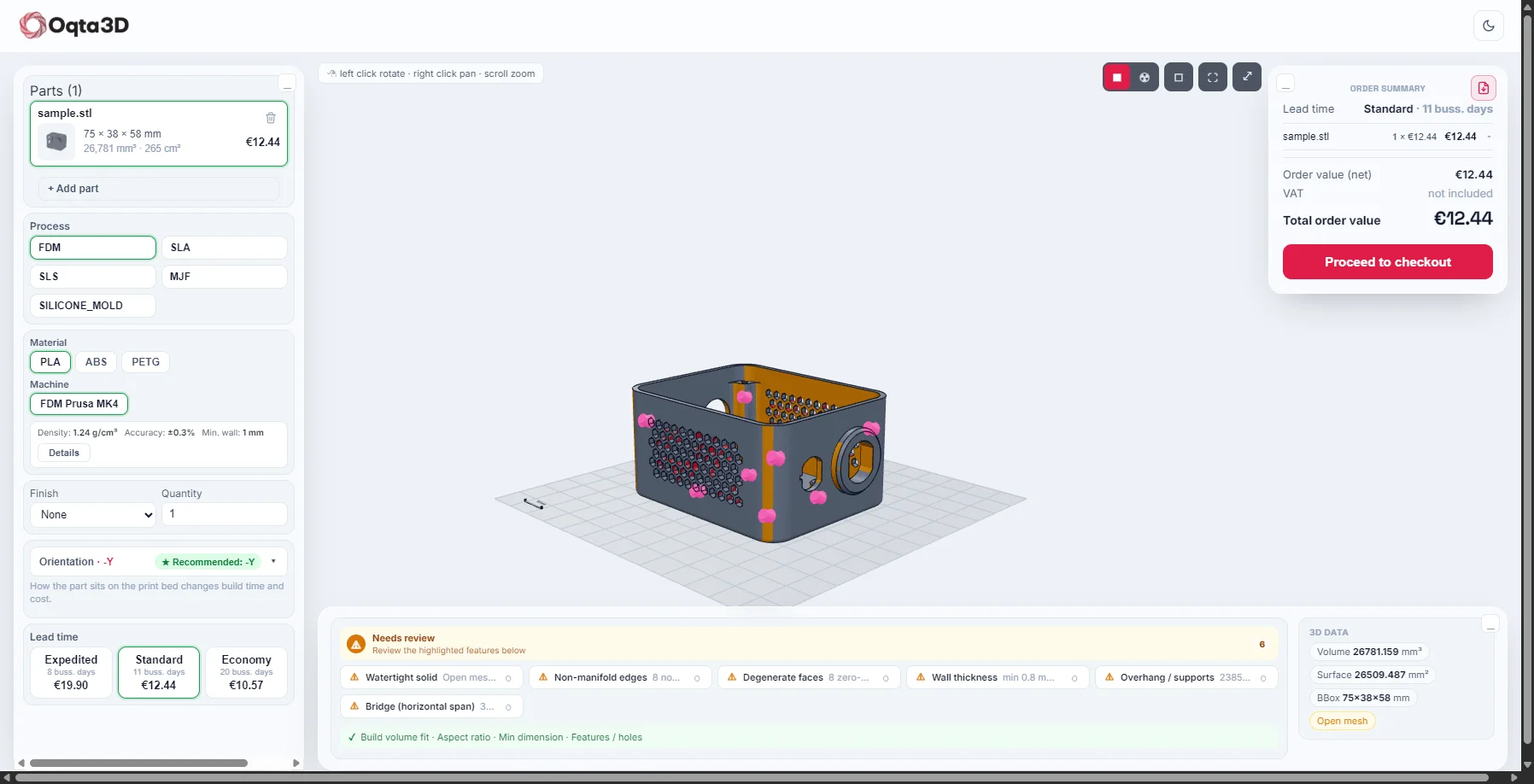
Choose the processes, materials and finishes you intend to sell. Configure the pricing rules and test them with representative parts before opening the experience to customers.
Define the journey
Decide where customers enter the quote flow, how they review the price and who approves exceptions. Keep the customer-facing experience and your team’s review process aligned.
Connect and validate
Discuss the supported embedding and API options with the Oqta3D team. Validate branding, language, desktop and mobile use, and the return path to your website.
Launch checklist
Test a valid file, an unsupported file, a DFM warning and a quote requiring review. Confirm who owns configuration changes and ongoing support.